All how-tos
See who hasn't logged anything
Finding the coaches with no sessions recorded, and nudging them.
Open Settings from the menu under your name.
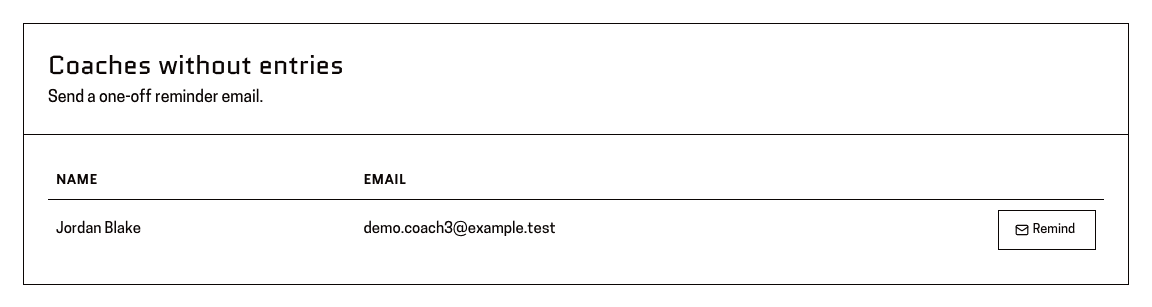
You'll know it worked when: A card headed “Coaches without entries”.
It lists the coaches in your scope who have not recorded a single session. A sub-association lead sees their own subregion; an association lead sees the whole association.
Read the list.
You'll know it worked when: One row per coach, with their name and email address — or, if there's nothing to chase, “Everyone in scope has at least one session.”
Press “Remind” on their row.
You'll know it worked when: A message saying “Reminder sent”.
It's a nudge, not a report. Nothing about their account changes.
This page is for: Sub-association lead, Association lead.