All how-tos
Setting up the first time
Choosing which subregion you log sessions for. You do this once.
The first time you sign in you're asked to pick your association. Tap yours in the list.
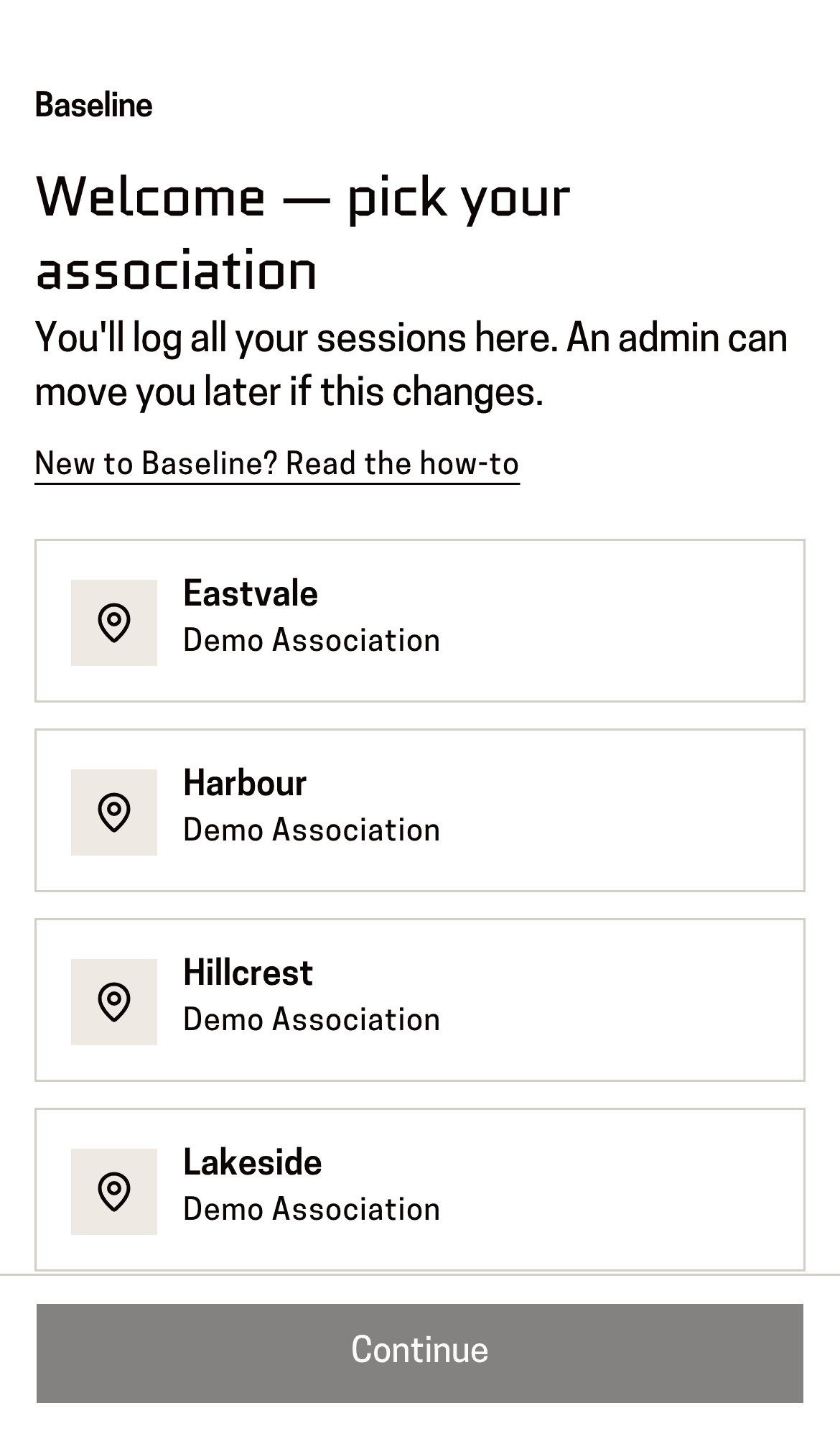
You'll know it worked when: The row you tapped is outlined to show it's chosen.
Press “Continue” at the bottom of the screen.
You'll know it worked when: Your home page. It's empty to start with, and your subregion shows in the top-left corner.
Picked the wrong one? Don't start again — ask an admin to move you. Nothing you've logged is lost when they do.
This page is for: Coach.