Fix a mistake
Change numbers, details, or remove something added by accident.
Wrong numbers on a date: open the programme, press the pencil on that row, correct them and press “Save changes”.
You'll know it worked when: The row shows the corrected figures.
You can change these as often as you like. There's no cut-off after which a week locks.
Wrong name, dates or venue: open the programme and press “Edit programme” near the top.
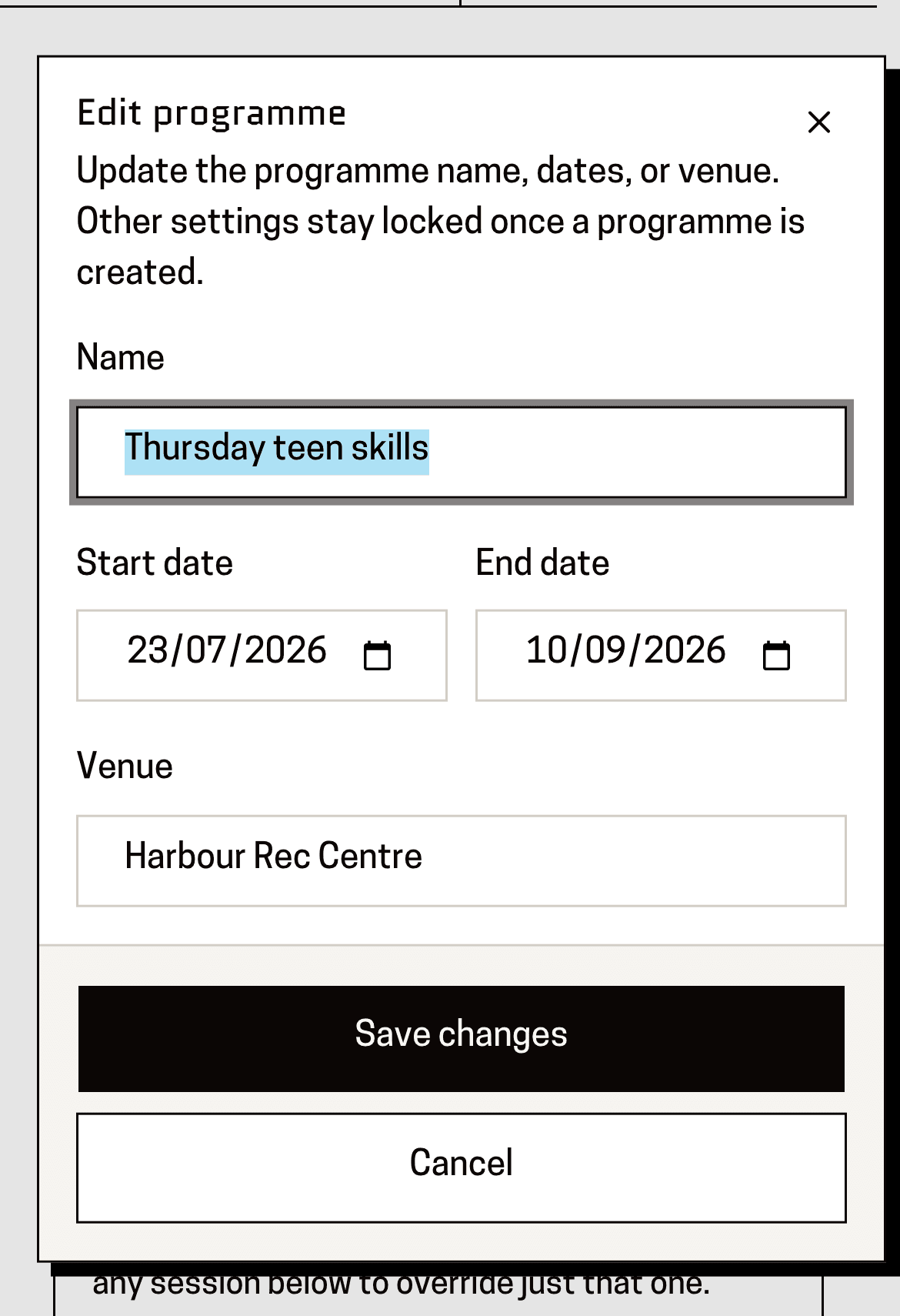
You'll know it worked when: A box with Name, Start date, End date and Venue.
A date that never happened: press the bin icon on that row and confirm.
You'll know it worked when: A question — “Delete this session?” — and once you confirm, the row is gone.
This can't be undone, and only removes that one date.
A programme added entirely by accident: open it and press “Delete programme”.
You'll know it worked when: A confirmation, and then it's gone from your lists.
This takes every date on it with it. If you only want to remove one week, use the bin on that row instead.
This page is for: Coach, Sub-association lead.