If the sign-in link didn't work
What to do when the link says it's expired.
Read the message on screen. If it says the link may have expired or already been used, that's the usual one.
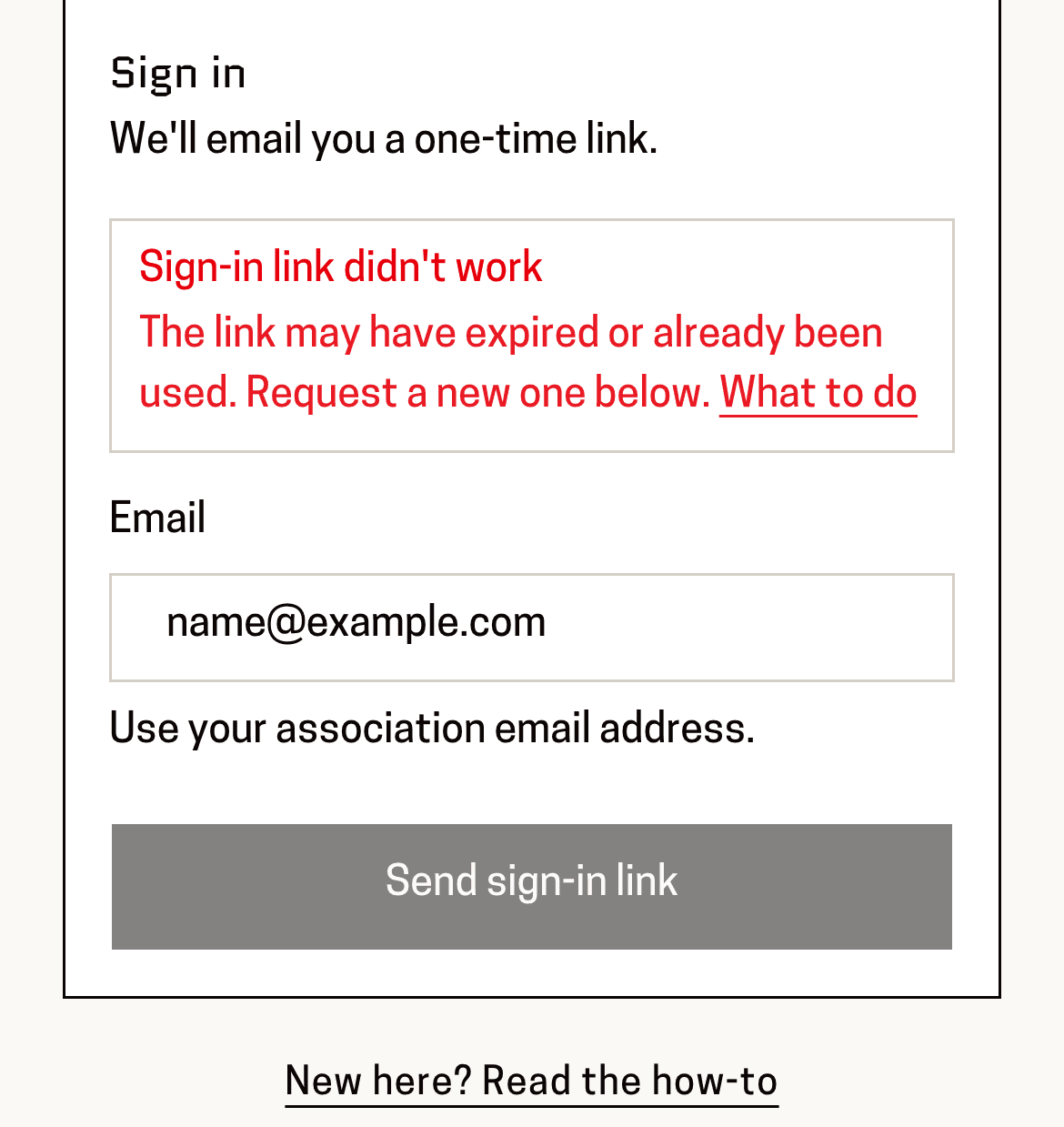
You'll know it worked when: A red box headed “Sign-in link didn't work”, with the sign-in form underneath it.
Each link works once and only for a short while. Pressing it a second time, or using yesterday's email, gives you this.
Type your email address again and press “Send sign-in link”.
You'll know it worked when: “Check your email” again — and a new message arrives.
Use the newest email. If you have several from Baseline in your inbox, the older links are already dead.
Press the link in the new email straight away, then press “Continue”.
You'll know it worked when: You're in.
You can ask for the link on one device and open it on another — a link requested on your laptop will work on your phone.
This page is for: Coach, Sub-association lead, Association lead, BBNZ viewer, Admin.