Map your year for the first time
Setting up your subregion's projection at the start of a year.
Sign in. Until your year is mapped, Baseline opens on a page headed “Let's map your year”.
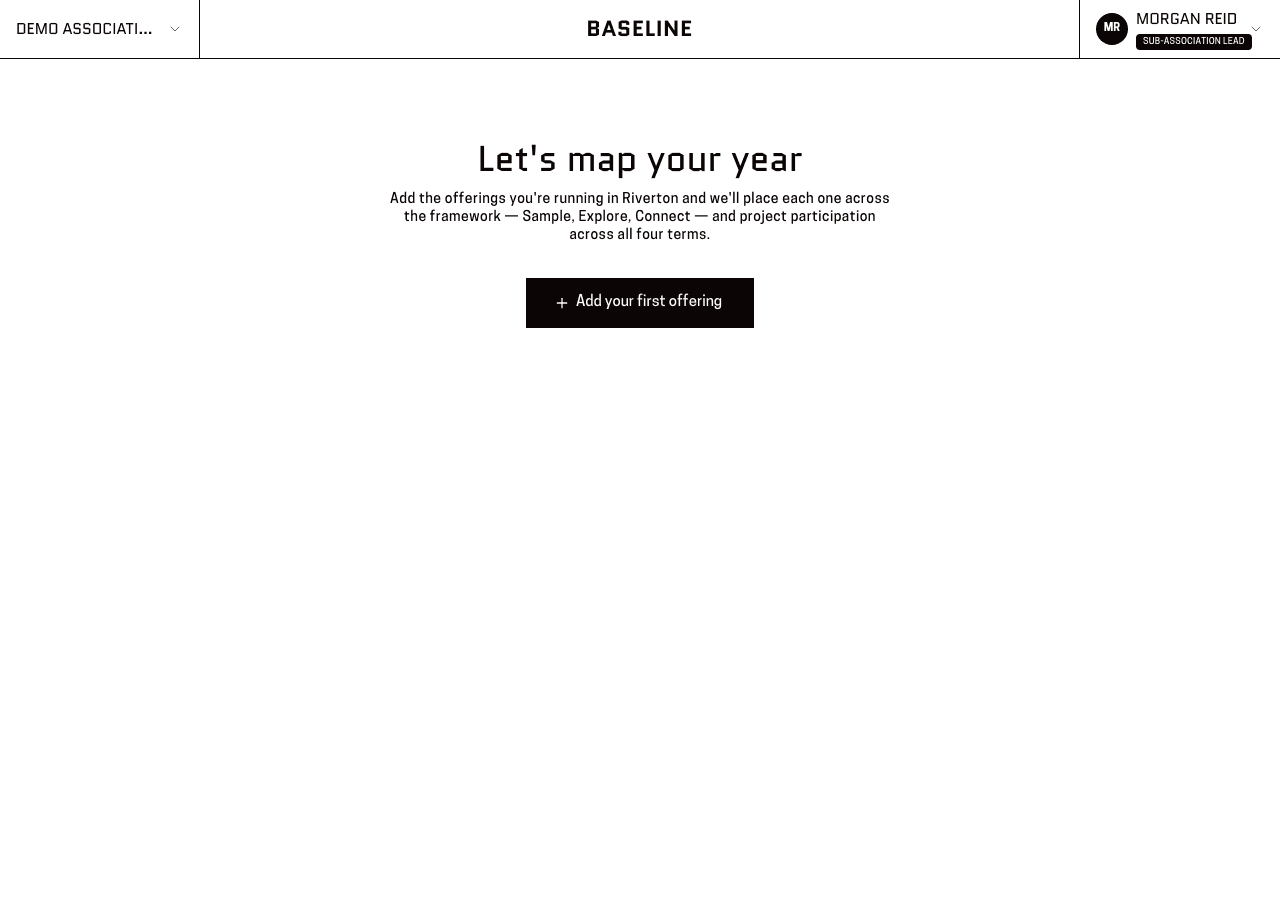
You'll know it worked when: That page, with one button: “Add your first offering”.
An offering is one kind of thing you plan to deliver — who it's for and what sort of thing it is. It's a plan, not something that has already happened. See the glossary if that's new.
Press “Add your first offering”.
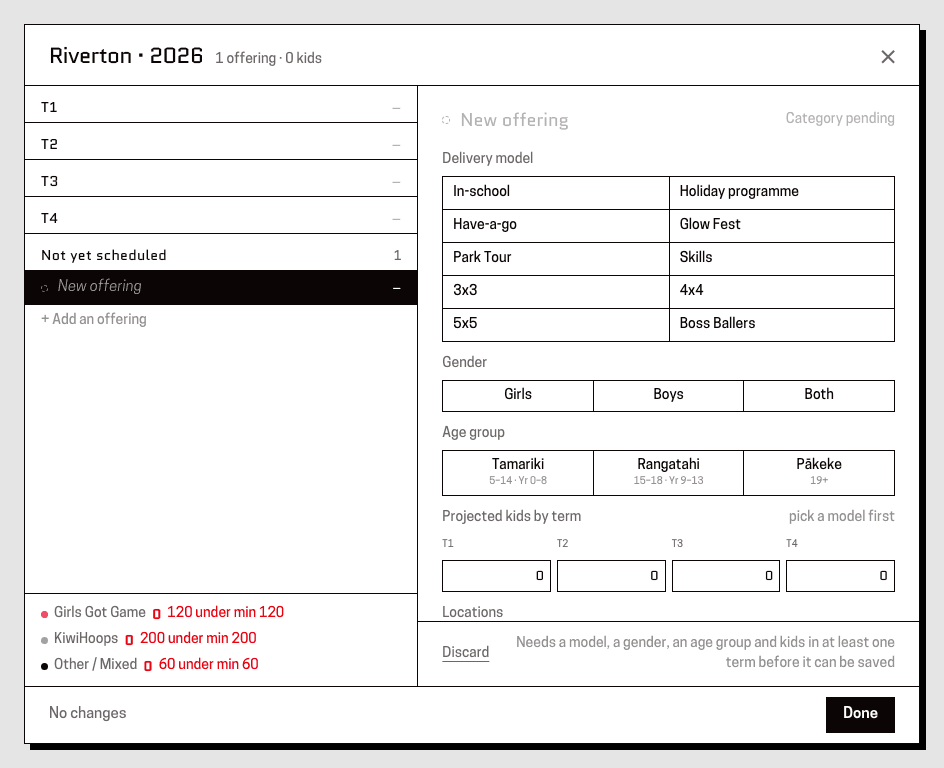
You'll know it worked when: A panel where you choose a delivery model, age group, gender and how many locations, with four boxes for the terms.
Fill in the offering's details.
You'll know it worked when: A row of four boxes headed “Projected kids by term”.
In each term, put the number of kids you expect to reach.
You'll know it worked when: A year total adding up beside the four terms as you type.
This is a count of kids, not of sessions. Leave a term at nothing if you're not running it then — “Not yet scheduled” is a real answer.
Press “Save changes”.
You'll know it worked when: The offering appears in a list headed “Your offerings”, with its year total.
Press “Add another offering” and repeat until the list matches what you're planning.
You'll know it worked when: Each one added to the list, with a running total.
It doesn't have to be perfect now. A projection is meant to be revised through the year.
When the list is complete, press “Done · see dashboard”.
You'll know it worked when: Your Reports dashboard, with your projection in it. You won't be asked to map your year again.
This page is for: Sub-association lead.