All how-tos
See what changed, and who changed it
The history behind the figures on the dashboard.
Open Settings from the menu under your name, and press “History”.
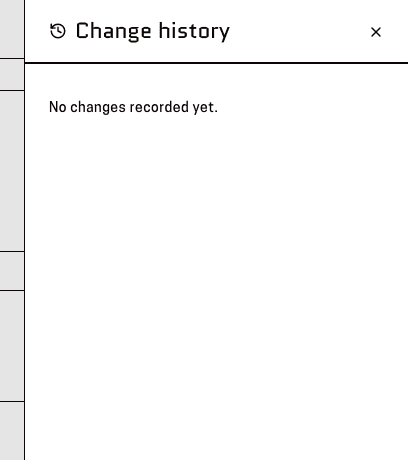
You'll know it worked when: A panel headed “Change history”, most recent first.
Read down the entries — each says who did what, such as adding offerings or removing a projection.
You'll know it worked when: Or “No changes recorded yet.” if nothing has been touched.
This is a record, not an undo. To reverse something, change it back in Edit projection.
This page is for: Sub-association lead, Association lead, BBNZ viewer, Admin.