All how-tos
Set the minimums
The bar each category is measured against, set nationally.
On the dashboard, press “Set minimums”.
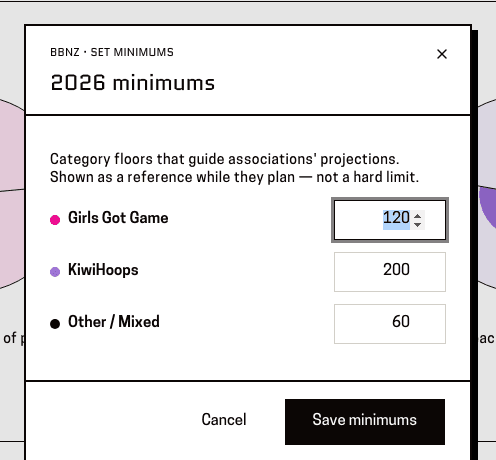
You'll know it worked when: A panel headed with the year and the word “minimums”, marked “BBNZ · set minimums”, with an editable figure beside each category.
These are the central expectation, not a subregion's own plan. Everyone else sees them but can't change them.
Set each figure, then press “Save minimums”.
You'll know it worked when: A message saying “Minimums updated”.
This changes what everyone sees, not just your own view.
This page is for: BBNZ viewer, Admin.