Signing in
There's no password — Baseline emails you a link.
Open Baseline in your web browser.
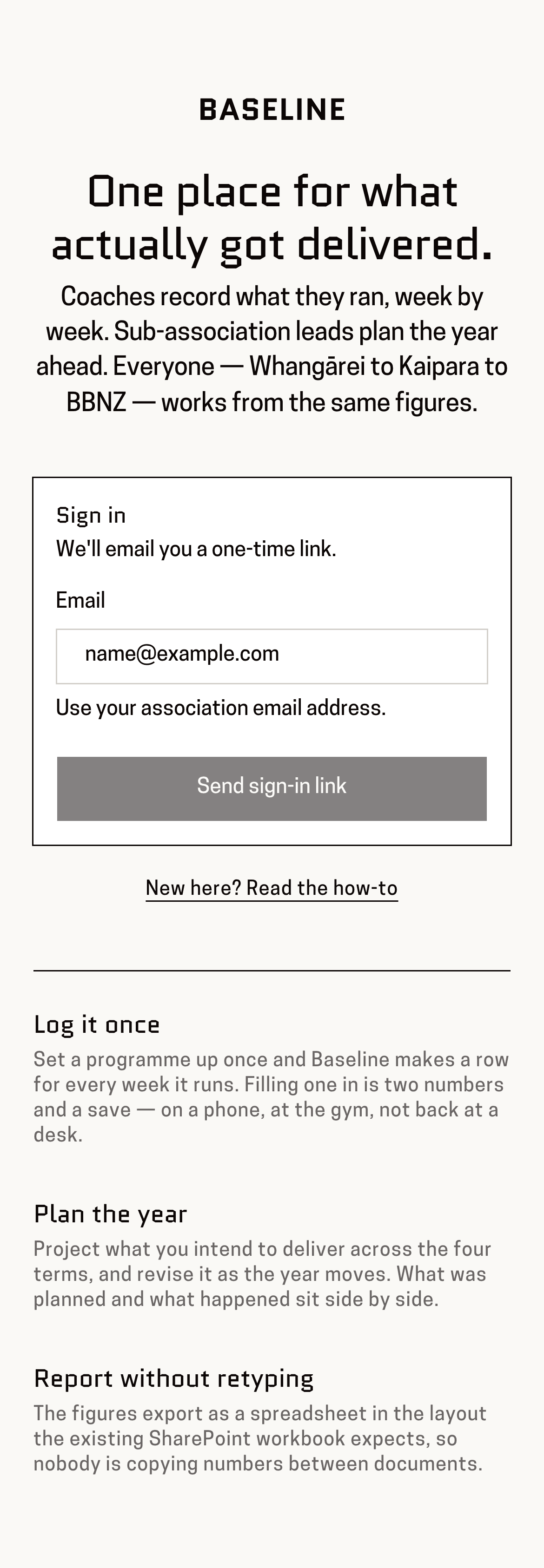
You'll know it worked when: A box headed “Sign in”, with a space for your email address.
There is no password to remember. Baseline emails you a link each time instead.
Type the email address your invitation was sent to, then press “Send sign-in link”.
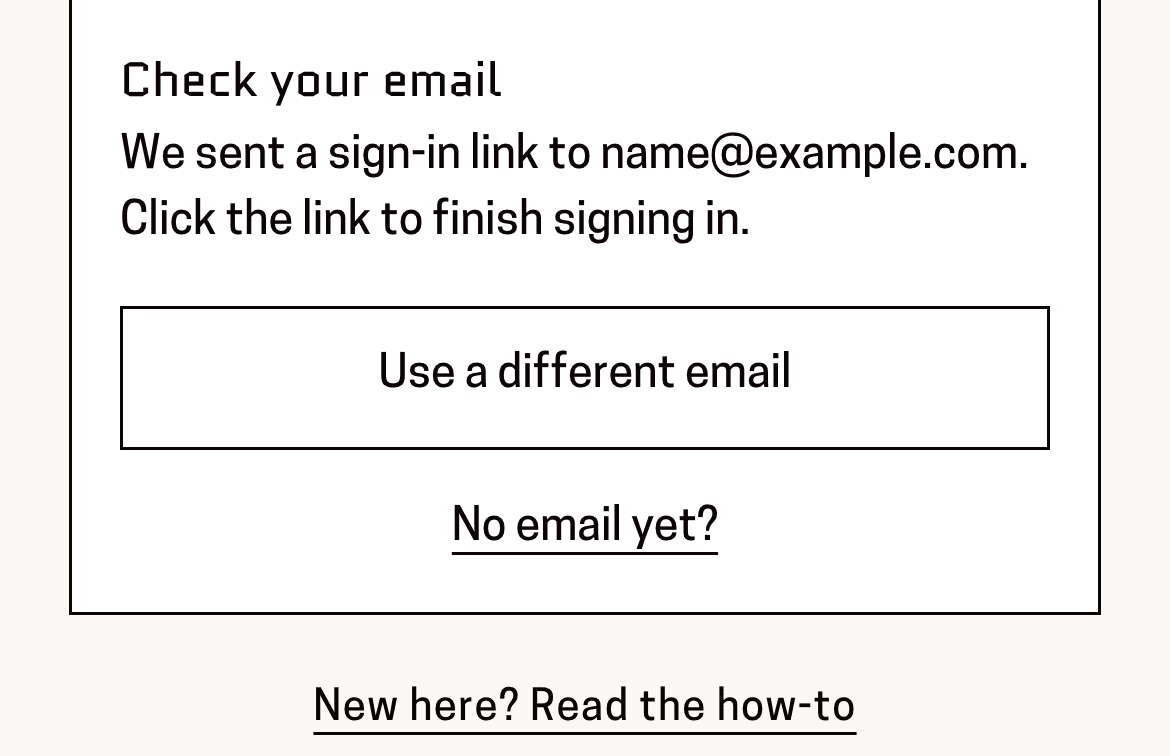
You'll know it worked when: The box changes to “Check your email” and shows the address back to you.
It has to be the address that was invited. Another one won't be recognised, even if it's also yours.
Open your email, find the message from Baseline, and press the link inside it.
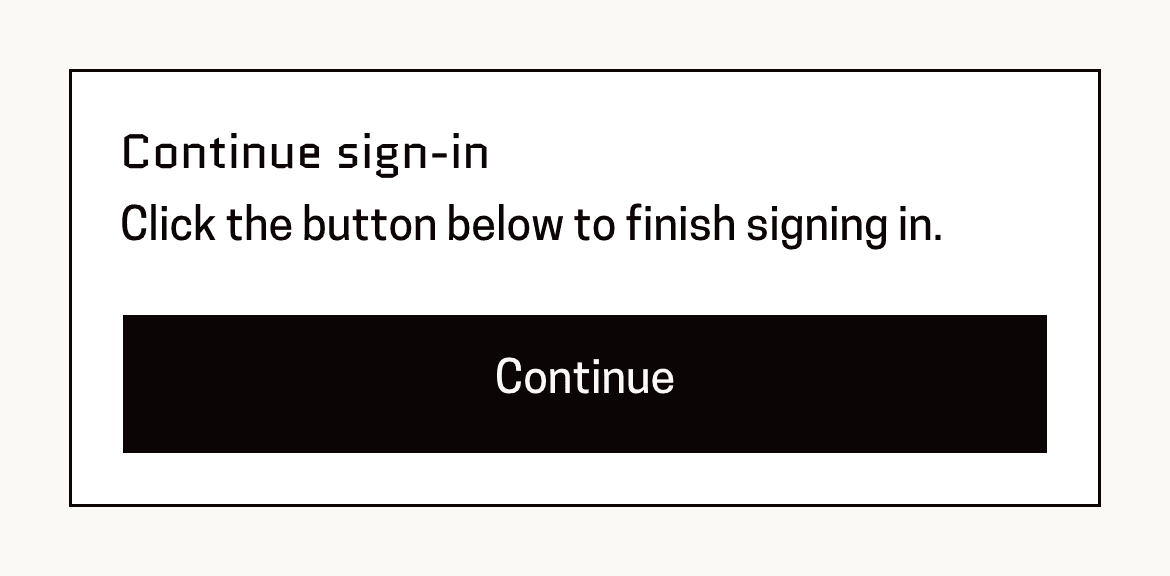
You'll know it worked when: Baseline opens on a small box saying “Continue sign-in”.
Nothing after a minute or two? Check your junk or spam folder.
Press “Continue”.
You'll know it worked when: You're in, on your own home page, with your name in the top-right corner.
This page is for: Coach, Sub-association lead, Association lead, BBNZ viewer, Admin.